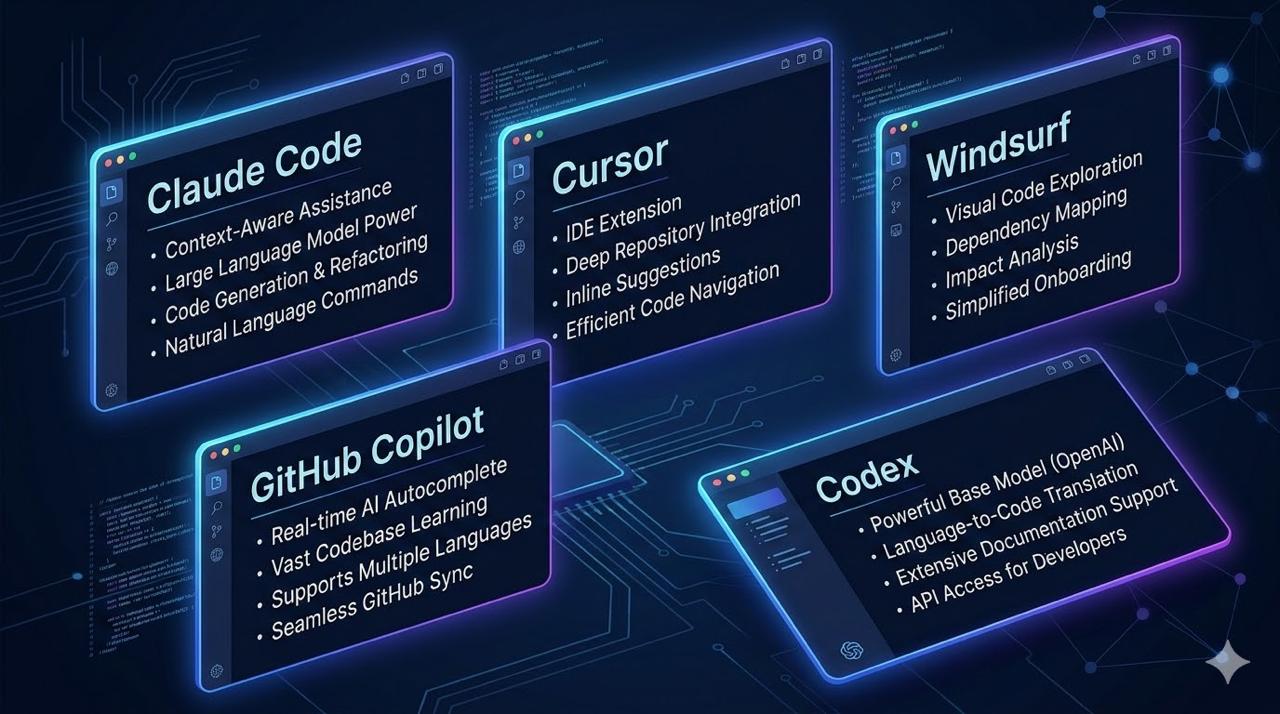
Why Non-Developers Care About “Coding” Tools
Here’s the uncomfortable truth: the best AI tools for non-developers are often labeled “coding tools.”
Why? Because they’re built to:
- Read and understand your files
- Execute multi-step tasks autonomously
- Connect to your existing tools (Slack, Google Drive, Notion)
Sound familiar? That’s exactly what you need — regardless of whether you write code.
Let’s compare the six most powerful options from a non-developer perspective.
The Six Contenders
| Tool | What It Is | Primary User |
|---|---|---|
| Claude Code | Terminal-based AI agent | Power users, complex tasks |
| Claude Cowork | Desktop AI agent (no terminal) | Knowledge workers, non-developers |
| Cursor | VS Code fork with AI embedded | Content creators, markdown users |
| Windsurf | VS Code-based IDE with Cascade AI | Budget-conscious teams |
| GitHub Copilot | AI plugin for existing IDEs | Microsoft ecosystem users |
| OpenAI Codex | Cloud-based coding agent | ChatGPT Pro/Enterprise users |
At a Glance: Non-Developer Comparison
| Factor | Claude Code | Claude Cowork | Cursor | Windsurf | Copilot | Codex |
|---|---|---|---|---|---|---|
| Learning Curve | Moderate | Low | Low | Low | Very Low | Low |
| Requires Coding? | No | No | No | No | No | No |
| Terminal Required | Yes | No | No | No | No | No |
| Desktop App | No | Yes | Yes | Yes | Plugin | ChatGPT |
| Best For | Complex tasks | Knowledge work | Writing | Budget | Microsoft | ChatGPT users |
| Context Window | 200K+ | 200K+ | ~120K | ~100K | ~32K | 192K |
| MCP Support | Best | Best | Good | Good | Limited | Good |
| Monthly Cost | $20-100+ | $20-100+ | $20 | $15 | $10-39 | $20-200 |
Claude Code vs Claude Cowork: What’s the Difference?
Claude Cowork launched in January 2026 as a research preview. It’s essentially Claude Code’s agentic capabilities — without the terminal.
Key Difference
| Factor | Claude Code | Claude Cowork |
|---|---|---|
| Interface | Terminal | Claude Desktop app |
| Target User | Developers, power users | Knowledge workers |
| File Access | Terminal navigation | Point-and-click folder selection |
| IDE Dependency | None | None |
| Scheduled Tasks | No | Yes (run while away) |
| Excel/PowerPoint | No | Yes (research preview) |
When to Use Which
Use Claude Code if:
- You’re comfortable in the terminal
- You want maximum control and flexibility
- You work on complex, multi-step tasks
Use Claude Cowork if:
- You want the same power without terminal
- You want scheduled tasks (run while you sleep)
- You work with Excel/PowerPoint files
- You prefer a visual interface
Non-developer recommendation: Start with Cowork. Graduate to Code if you hit limits.
OpenAI Codex: The ChatGPT Agent
OpenAI Codex is a cloud-based coding agent that runs in ChatGPT. Give it a task, and it works in a sandbox environment while you do something else.
Key Features
| Feature | What It Does |
|---|---|
| Cloud sandbox | Tasks run in isolated environment |
| Parallel tasks | Multiple agents working simultaneously |
| GitHub integration | Reads your repos, opens PRs |
| Citations | Verifiable logs of every action |
| ChatGPT native | No separate app needed |
Non-Developer Use Cases
| Task | How It Works |
|---|---|
| Document generation | Upload files to repo, ask Codex to create reports |
| Data analysis | Codex can run Python scripts on your data |
| Research | Ask questions about uploaded documents |
| Automation | Schedule tasks to run asynchronously |
The Trade-offs
| Pros | Cons |
|---|---|
| Runs in ChatGPT (no new app) | Cloud-only (files must be uploaded) |
| Parallel task execution | 1-30 minute wait per task |
| Built-in GitHub integration | Less flexible than Claude Code |
| Pro/Enterprise included | No local file access |
| Citations for verification | Less mature than Claude ecosystem |
Pricing
- Included with ChatGPT Pro ($200/month), Enterprise, Business
- Coming to Plus ($20/month) soon
- Codex CLI: $1.50/1M input tokens, $6/1M output tokens
Detailed Comparison: All Six Tools
Claude Code
Best for: Complex multi-step tasks, research across platforms, maximum flexibility
| Pros | Cons |
|---|---|
| Largest context (200K+) | Terminal-based (feels technical) |
| Best MCP implementation | Learning curve for prompting |
| Works with any editor | No inline editing |
| Most flexible | Can be expensive for heavy use |
Non-developer use: Research, document analysis, cross-platform workflows
Price: $20/month (Pro) + API usage for heavy tasks
Claude Cowork
Best for: Knowledge workers who want Claude Code power without terminal
| Pros | Cons |
|---|---|
| Same power as Claude Code | Research preview (some bugs) |
| No terminal needed | Usage limits hit faster than chat |
| Scheduled tasks | Mac/Windows only |
| Excel/PowerPoint integration | Less mature than Code |
| Plugin marketplace | — |
Non-developer use: Document creation, scheduled reports, Office work
Price: $20/month (Pro) included, $100/month (Max) for heavy use
Cursor
Best for: Content creators, markdown users, writing-heavy work
| Pros | Cons |
|---|---|
| Best autocomplete on market | Need to use VS Code |
| Feels like “magic” for writing | Built for developers |
| Excellent for markdown | Smaller context than Claude |
| One-time $20/month | VS Code ecosystem lock-in |
Non-developer use: Writing documents, content creation, note-taking
Price: Free tier, $20/month (Pro), $40/month (Business)
Windsurf
Best for: Budget-conscious users who want Cursor-like features
| Pros | Cons |
|---|---|
| Cheapest at $15/month | Newer platform (less mature) |
| JetBrains support | Smaller ecosystem |
| Good free tier | Performance lags on large projects |
| Cascade Flow context | Flow can get confused |
Non-developer use: Same as Cursor — writing, documents, notes
Price: Free tier, $15/month (Pro)
GitHub Copilot
Best for: Microsoft 365 users, enterprise compliance needs
| Pros | Cons |
|---|---|
| Works in Microsoft tools | Weakest for complex tasks |
| SOC 2, IP indemnification | Small context (~32K) |
| No IDE switch needed | Multi-file understanding lags |
| Shortest procurement path | Less flexible than Claude |
Non-developer use: Email drafting, Excel analysis, Teams summaries
Price: $10/month (Pro), $19/month (Business), $39/month (Enterprise)
OpenAI Codex
Best for: ChatGPT Pro/Enterprise users who want async task execution
| Pros | Cons |
|---|---|
| Runs in ChatGPT | Cloud-only (no local files) |
| Parallel task execution | Wait time 1-30 minutes |
| GitHub integration | Less flexible than Claude |
| Included with Pro | No terminal control |
Non-developer use: Document generation, data analysis, async tasks
Price: Included with ChatGPT Pro ($200/month), coming to Plus ($20/month)
Decision Framework
By Role
| Role | Primary Tool | Backup | Why |
|---|---|---|---|
| Product Manager | Claude Cowork | Cursor | Research + docs |
| Content Creator | Cursor | Claude Cowork | Best writing experience |
| Financial Analyst | Claude Cowork | Copilot | Excel integration |
| Marketing Lead | Cursor | Windsurf | Content generation |
| Consultant | Claude Code | Copilot | Cross-platform research |
| Startup Founder | Windsurf + Claude Code | — | Budget + power |
By Task
| Task | Best Tool | Why |
|---|---|---|
| Writing documents | Cursor | Best autocomplete |
| Research across platforms | Claude Code/Cowork | MCP connects everything |
| Data analysis | Claude Cowork or Codex | Excel integration |
| Scheduled reports | Claude Cowork | Only tool with scheduling |
| Quick email drafts | Copilot | Already in Outlook |
| Async task execution | Codex | Works while you do other things |
| Budget option | Windsurf | 75% of features at 75% price |
The Power Combos
| Combo | Monthly Cost | Coverage |
|---|---|---|
| Windsurf + Claude Cowork | $35 | 95% of non-developer needs |
| Cursor + Claude Code API | $50-70 | Maximum power for writing + research |
| Copilot + Claude Cowork | $30-60 | Microsoft ecosystem + Claude power |
| ChatGPT Pro (includes Codex) | $200 | All-in-one OpenAI solution |
What They Don’t Tell You
Claude Code’s Hidden Costs
Complex tasks can cost $2-5 in API tokens. Heavy daily use adds up.
Mitigation: Use for the hard 5%, use cheaper tools for the easy 95%.
Cowork’s Hidden Limits
It’s still a research preview. Features change. Usage limits hit faster than regular chat.
Mitigation: Use Cowork for complex tasks, regular chat for simple ones.
Cursor’s Hidden Frustrations
On very large projects, it can lag. The AI sometimes applies changes to outdated file versions.
Mitigation: For non-developers working with documents, this rarely matters.
Codex’s Hidden Wait
Tasks take 1-30 minutes. You can’t interact mid-task.
Mitigation: Use Codex for async work you’d do anyway — schedule it, check back later.
Bottom Line
| Tool | Best For | Avoid If |
|---|---|---|
| Claude Code | Complex tasks, research, MCP power | You want visual interface |
| Claude Cowork | Knowledge workers, scheduled tasks | You need terminal control |
| Cursor | Writing-heavy work, markdown | You refuse to use VS Code |
| Windsurf | Budget-conscious users | You need maximum stability |
| GitHub Copilot | Microsoft shops, enterprise | You need multi-file reasoning |
| OpenAI Codex | ChatGPT Pro users, async tasks | You need local file access |
The Honest Recommendation
If you’re new to AI tools:
- Start with Claude Cowork (included with Claude Pro $20/month)
- Add Cursor if you do a lot of writing
- Graduate to Claude Code when you hit Cowork’s limits
If you’re already in ChatGPT Pro:
- Use Codex for async tasks
- Add Claude Cowork for Excel/PowerPoint work
- Use Cursor for content creation
If budget is tight:
- Windsurf Pro ($15/month) covers 80% of needs
- Add Claude Pro ($20/month) for the remaining 20%
The best AI tool is the one you’ll actually use. Start with one. Learn it deeply. Add others when you hit walls.