AI Coding Tools for Non-Developers: Which One Should You Actually Use?
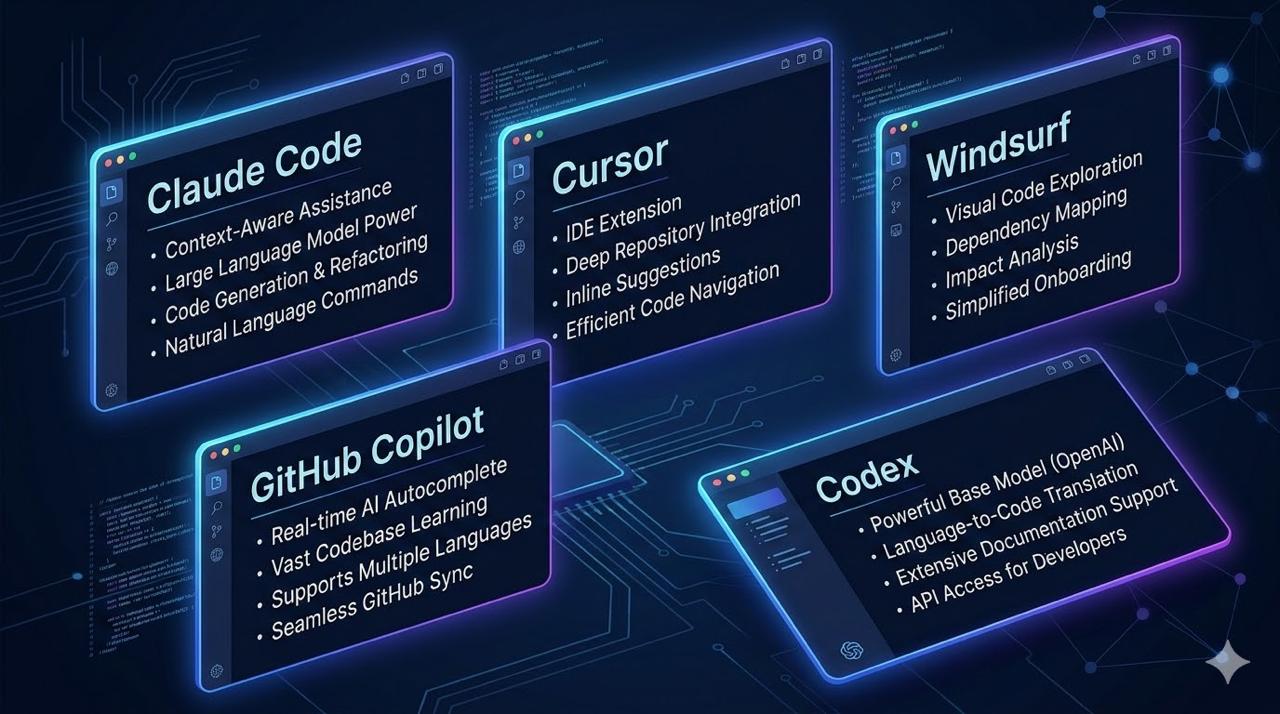
Why Non-Developers Care About “Coding” Tools Here’s the uncomfortable truth: the best AI tools for non-developers are often labeled “coding tools.” Why? Because they’re built to: Read and understand your files Execute multi-step tasks autonomously Connect to your existing tools (Slack, Google Drive, Notion) Sound familiar? That’s exactly what you need — regardless of whether you write code. Let’s compare the six most powerful options from a non-developer perspective. The Six Contenders Tool What It Is Primary User Claude Code Terminal-based AI agent Power users, complex tasks Claude Cowork Desktop AI agent (no terminal) Knowledge workers, non-developers Cursor VS Code fork with AI embedded Content creators, markdown users Windsurf VS Code-based IDE with Cascade AI Budget-conscious teams GitHub Copilot AI plugin for existing IDEs Microsoft ecosystem users OpenAI Codex Cloud-based coding agent ChatGPT Pro/Enterprise users At a Glance: Non-Developer Comparison Factor Claude Code Claude Cowork Cursor Windsurf Copilot Codex Learning Curve Moderate Low Low Low Very Low Low Requires Coding? No No No No No No Terminal Required Yes No No No No No Desktop App No Yes Yes Yes Plugin ChatGPT Best For Complex tasks Knowledge work Writing Budget Microsoft ChatGPT users Context Window 200K+ 200K+ ~120K ~100K ~32K 192K MCP Support Best Best Good Good Limited Good Monthly Cost $20-100+ $20-100+ $20 $15 $10-39 $20-200 Claude Code vs Claude Cowork: What’s the Difference? Claude Cowork launched in January 2026 as a research preview. It’s essentially Claude Code’s agentic capabilities — without the terminal. ...